

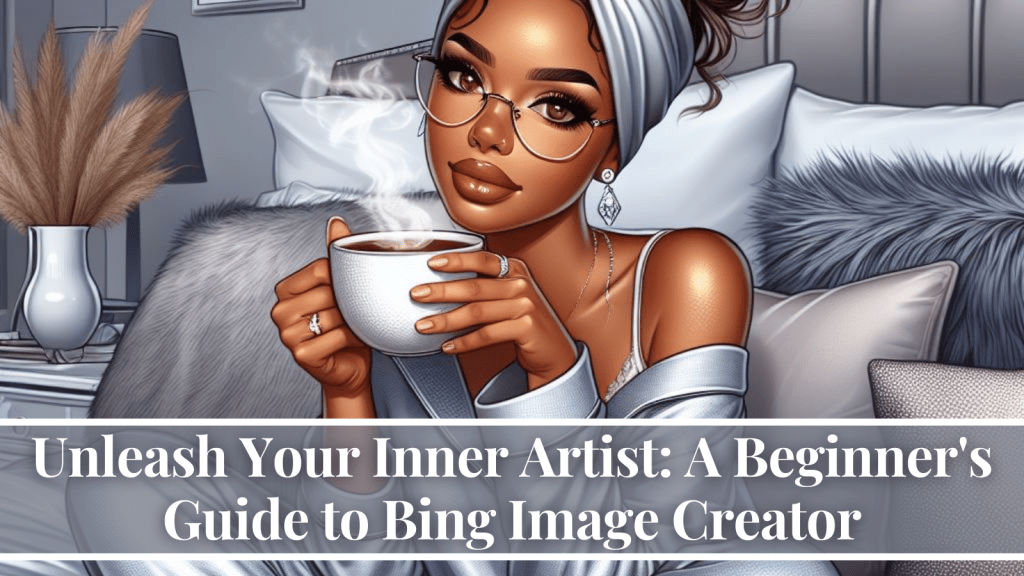
Welcome to the world of AI-powered art, where your imagination is the brush and Bing Image Creator is your canvas! This innovative tool from Microsoft lets you turn mere words into stunning visuals, opening up a universe of creative possibilities.
What is Bing Image Creator?
Imagine a magic genie who conjures up images based on your wishes. That’s essentially what Bing Image Creator is. It’s a free, web-based tool that uses artificial intelligence to generate images from your text descriptions. Whether you’re a seasoned artist seeking inspiration or a curious newbie, Bing Image Creator is your gateway to exploring the fascinating intersection of technology and creativity.


How does it work?
The process is surprisingly simple:
- Head over to Bing Images. Look for the “Create” button nestled among the search bar and filters. Click it, and prepare to be transported to your own artistic playground.
- Channel your inner wordsmith. This is where the magic begins. Describe the image you envision in as much detail as possible. Be specific with colors, objects, settings, and even emotions. The more vivid your description, the more likely it is to translate into a masterpiece.
- Choose your artistic flair (optional). Bing Image Creator offers a range of artistic styles, from photorealistic to watercolor and beyond. Experiment with different styles to see which one best complements your vision.
- Hit the “Create” button and witness the magic! Bing Image Creator’s AI whizzes into action, weaving your words into a visual tapestry. Within seconds, you’ll be presented with a unique image inspired by your imagination.
- Fine-tune your masterpiece (optional). Not quite satisfied? Click “Generate again” to see different variations of your image. You can also tweak the composition and style sliders to further refine your creation.
- Share your artwork with the world! Download your image as a PNG file or share it directly on social media. Let your friends and family marvel at your newfound artistic prowess.
What can you create with Bing Image Creator?
The possibilities are endless! Here are just a few ideas to get your creative juices flowing:
- Bring your book characters to life. Generate portraits of your favorite heroes and villains, or illustrate scenes from your story.
- Design your dream home. Describe your ideal living space, complete with furnishings and decorations, and watch Bing Image Creator bring it to life.
- Craft unique social media posts. Ditch the generic pictures and create eye-catching visuals that reflect your personality or brand.
- Generate art for presentations or reports. Add a touch of visual flair to your academic or professional work with custom-made images.
- Simply have fun and experiment! There are no rules in this playground of imagination. Try unexpected combinations and see what surprises Bing Image Creator has in store.

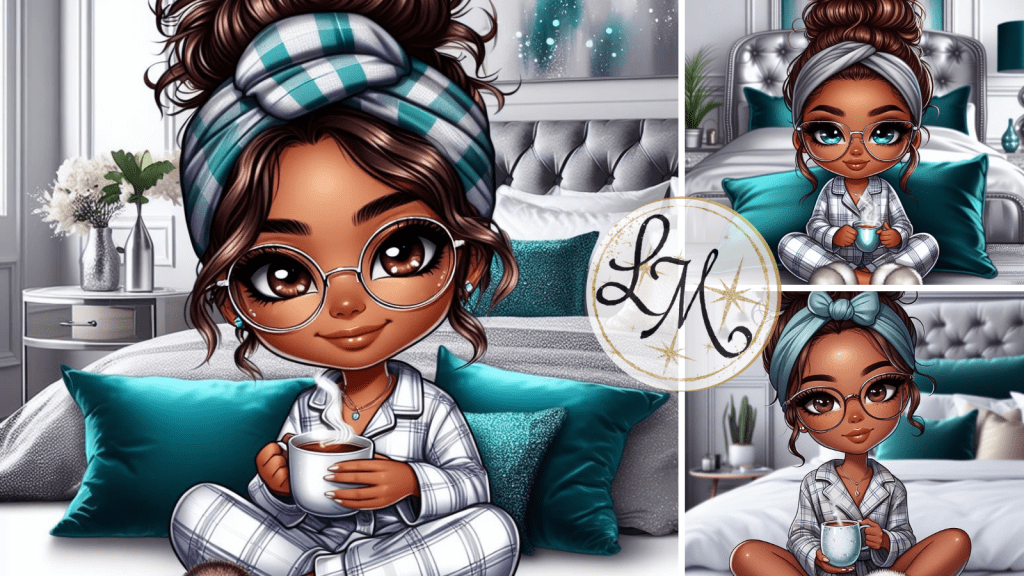
Here are some examples of what you can create with Bing Image Creator:
Creative prompts:
- “A photorealistic painting of a cat wearing a wizard hat, sitting on a stack of books in a library.”
- “A watercolor illustration of a cozy cottage nestled in a field of sunflowers, with a whimsical fairy peeking out from behind a mushroom.”
- “A digital art portrait of a cyborg astronaut exploring a neon-lit cyberpunk city.”
- “A nostalgic pixel art scene of a childhood bedroom bathed in the warm glow of a bedside lamp, with a dog curled up at the foot of the bed and a well-worn teddy bear peeking out from beneath the covers.”
- “A vibrant Fauvist rendition of a bustling African marketplace, sunlight bouncing off colorful woven fabrics and dancing on the faces of laughing traders.”
- “A hyperrealistic close-up of a dandelion seed floating on the wind, its wispy threads catching the light like spun gold, against a backdrop of a stormy twilight sky.”
- “A surreal cityscape in the style of M.C. Escher, where buildings climb impossible staircases and gravity seems to play tricks, with gravity-defying figures strolling by in hats and boots.”
- “A whimsical underwater scene in the style of Van Gogh, with swirling schools of fish adorned with iridescent scales, weaving through a vibrantly colored coral reef bathed in dappled sunlight filtering through the ocean surface.”


Practical examples:
- A social media post for a clothing brand featuring a model wearing their newest collection in a surreal, dreamlike setting.
- A presentation slide showcasing a new product concept with a photorealistic 3D rendering.
- An illustration for a children’s book featuring a cast of adorable animal characters.
TikTok examples:
Unexpected combinations:
- “A photorealistic painting of a T-Rex wearing a tutu and dancing ballet.”
- “A watercolor illustration of a melting clock in a Dali-esque dreamscape.”
- “A digital art collage of a city skyline made entirely of emojis.”
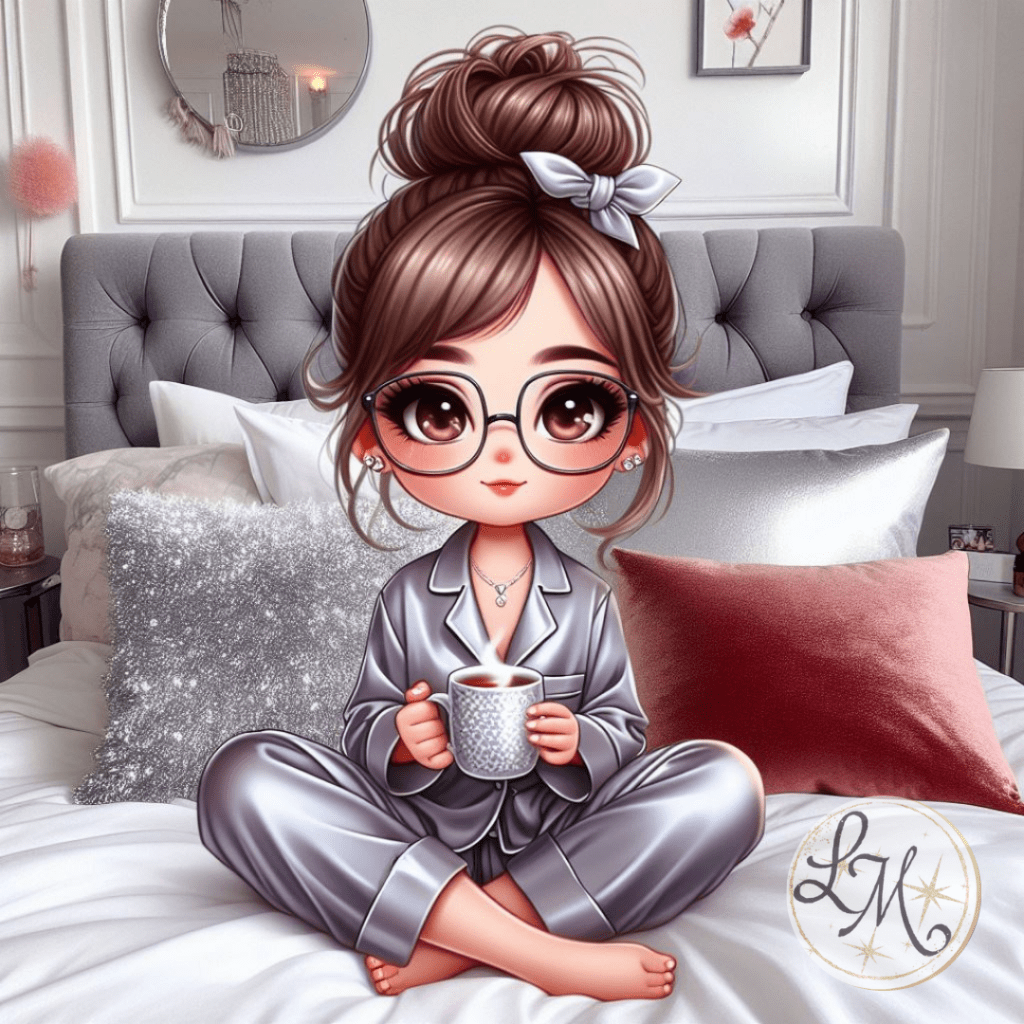
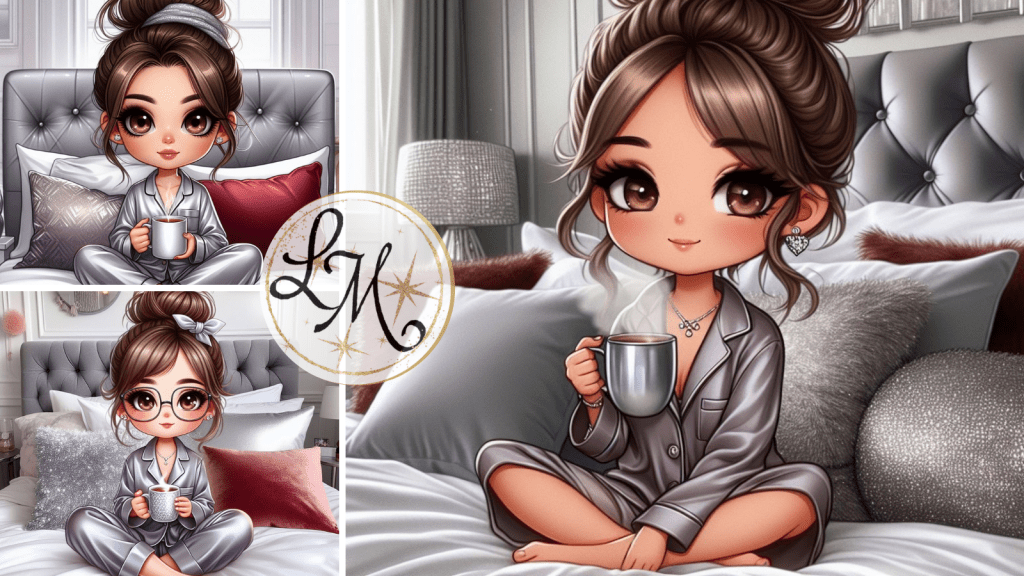
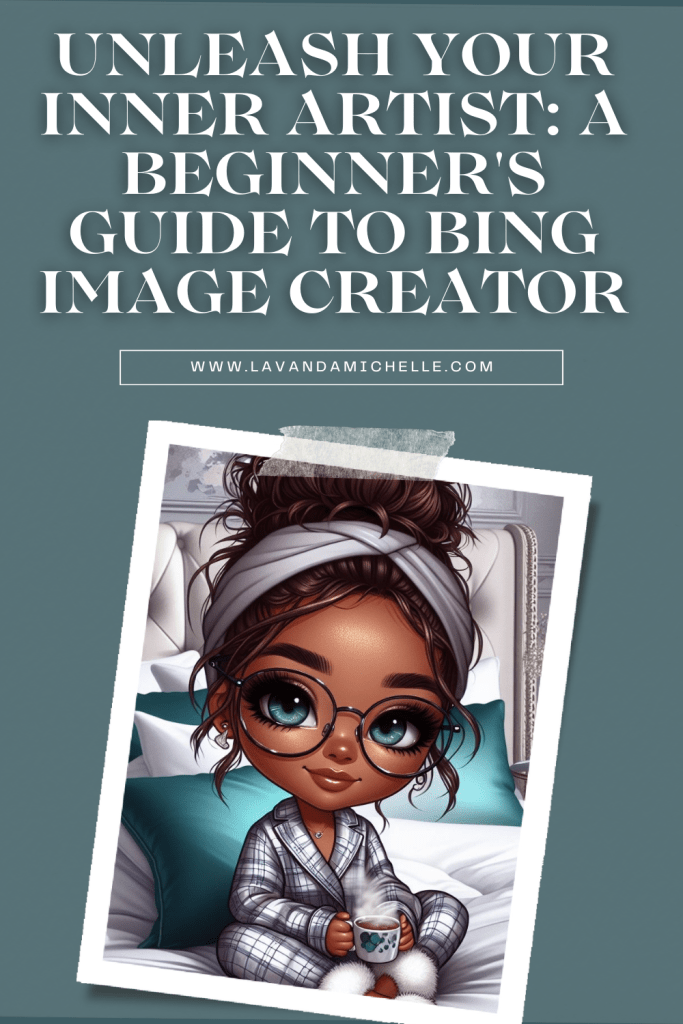
airbrush illustration of a chibi-style woman sitting on the bed with silver and grey plush pillows in her bedroom, holding a steaming cup of tea facing forward., she is wearing silk pajamas, she has a messy bun brown hair in a hair wrap with hazel eyes wearing glasses. she is wearing diamond stud earrings. the background is modern chic, silver, red, and white bedroom

The possibilities are truly endless with Bing Image Creator. It’s all about experimenting and letting your imagination run wild!
Remember:
- Bing Image Creator is still under development, so the results may not always be perfect. But that’s part of the charm! Embrace the occasional quirk and enjoy the journey of discovery.
- Be mindful of the content you generate. Bing Image Creator adheres to Microsoft’s terms of service, so avoid creating anything offensive or harmful.
- Most importantly, have fun! Bing Image Creator is an invitation to let your imagination run wild and explore the boundless potential of AI-powered art.
So, what are you waiting for? Dive into the world of Bing Image Creator and unleash your inner artist! Remember, the only limit is your imagination.
Happy creating!

What are your thoughts about the Unleash Your Inner Artist: A Beginner’s Guide to Bing Image Creator Please share in the comments below. I really would love to know.
Until next time, shine amongst the stars!
‘This post may contain affiliate links

If you haven’t made enough money blogging, look into taking the
Complete Guide to Make Money Blogging for only
($10… WOW 95% Off for a limited time).






If you haven’t made enough money blogging, look into taking the
Complete Guide to Make Money Blogging for only
($10, … WOW 95% Off for a limited time).


How to Create A Profitable Blogging Business


- 5 Common Questions People Ask Before Installing Smart Home Lighting
- How Professional Pest Control in North York Keeps Your Property Safe
- Considering Dermal Fillers? Here’s How to Achieve Natural-Looking Results
- How to Explore Intimacy on Your Own Terms Without Commitment
- 7 Smart Ways to Transform Your Blog in 2026




Related
Get your FREE Cheat Sheet with 10 Pro Tips and unlock the secrets to:
- Crafting prompts that captivate AI (and your audience!)
- Generating content that’s fresh, unique, and on-point
- Taking your creativity to the next level with AI collaboration
We’ve reached the end of our epic journey through the land of AI prompts, but your creative adventure is